

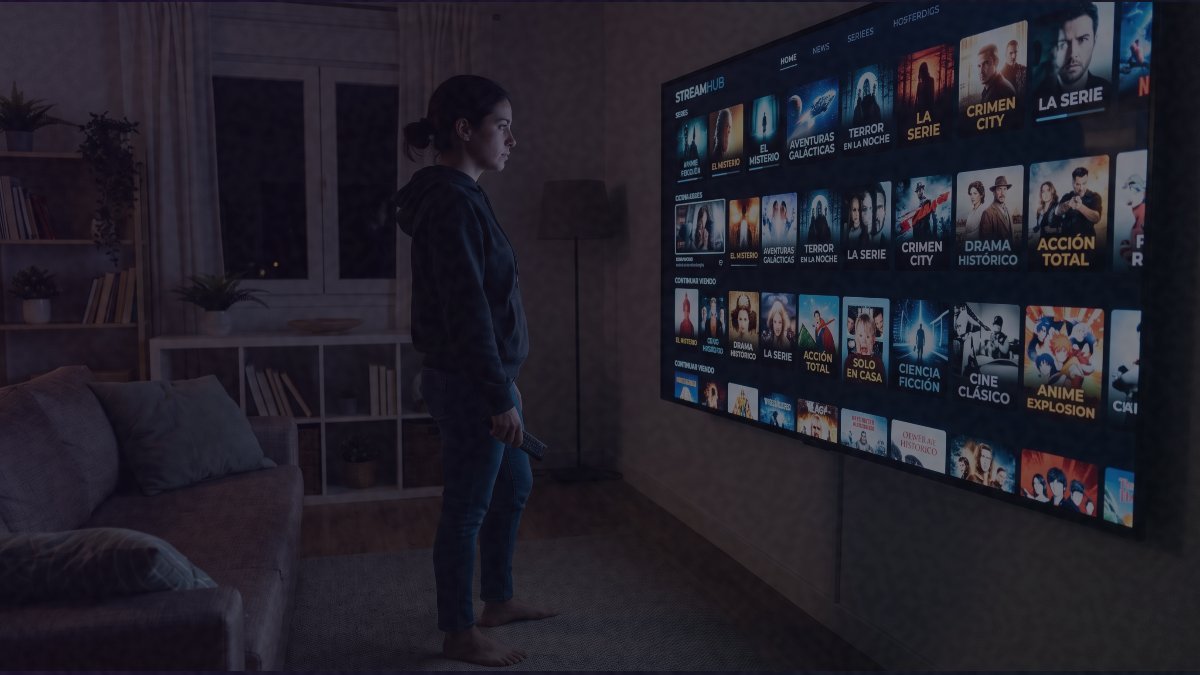
Every Halloween season, demand for horror films spikes, and a slice of viewers looks for a way around paying for several streaming subscriptions at once. Unauthorized IPTV services such as Xuper TV and Magis TV fill that gap with free access to recent releases and genre classics, but the way those apps reach a device is where the real danger begins. Their distribution model carries serious cybersecurity threats that can affect both the home network and the viewer’s finances.
- Key Point: Neither Xuper TV nor Magis TV appears in Google Play Store or Apple App Store because they fail to comply with intellectual property and security rules.
- Key Point: Installing them means downloading APK files from third-party forums and switching off built-in Android protections such as Google Play Protect.
- Key Point: Hidden code can turn an infected TV Box or Android phone into a node of a botnet that attacks corporate targets or masks illicit traffic.
- Key Point: Abusive permissions, including Accessibility control, enable overlay attacks that can capture banking passwords and 2FA codes.
How the infection spreads
Because the apps are absent from official repositories, users must fetch installation packages from web forums and manually disable the operating system’s native safeguards. Running such an installer to watch a single movie is enough to introduce trojans and spyware that then operate silently in the background.
Magis TV’s operating model has shifted toward tampering with software on streaming boxes and Android handsets, according to the analysis. Code concealed inside these applications converts the compromised machine into a node within a botnet. While the owner is watching a film, whoever runs the app takes over the processor’s capacity and the bandwidth of the home connection, and puts both to work without the owner’s consent. Those resources may be directed at distributed denial-of-service (DDoS) attacks on corporate targets or used to disguise traffic tied to illegal activity.
The permission requests are another red flag. These platforms typically ask for excessive access, and the system-level Accessibility control stands out among them. That level of authority lets malware log every tap on the screen and stage overlay attacks. If someone opens a banking app or digital wallet after streaming, injected code can instantly draw a fake interface that mimics the real one. Login credentials and two-factor authentication codes entered there are captured and sent to external servers, which makes draining accounts easier.
What to do after an install
Deleting the icon from the home screen does not solve the problem. Secondary installers stay active inside the system, so a proper incident response is needed. The recommended sequence is as follows:
- Isolate the network: disconnect the compromised device from the home Wi-Fi immediately to stop any data exfiltration already underway.
- Restore factory settings: perform a full format of the phone or TV Box from Recovery Mode to wipe the modifications made to the operating system.
- Audit credentials: change the passwords for the Wi-Fi router, email accounts and financial apps linked to the device, working from a separate, uncompromised device.
- Monitor finances: review bank and credit card activity in the weeks after the app was installed to catch test micro-transactions or unrecognized charges.
The pattern is familiar to security researchers: free content is rarely free, and the price is often paid in access rather than money. For a technology audience, the seasonal surge in horror streaming is a reminder that sideloaded apps bypass the review layers that keep malicious code off mainstream stores. Anyone who installed one of these services during the Halloween period should treat the device as compromised until it has been wiped and its linked accounts secured.