

The USB-C port on a modern smartphone is usually treated as nothing more than a charging socket, yet the same connector can carry data, audio and video, and even supply power to other hardware. That dual role explains why a single opening on the bottom of a handset can accept keyboards, external drives, cameras, monitors and wired network adapters. The capability comes from the connector’s design rather than from any single accessory: unlike older ports, USB-C was built to move more than electricity.
- Key Point: USB-C transmits data, audio and video in addition to power, which is why one port supports such different accessories.
- Key Point: Phones can read external drives formatted in exFAT or FAT32, but not NTFS partitions used by Windows.
- Key Point: A USB-C to Ethernet adapter gives the phone a wired connection, and the system favors it over Wi-Fi.
- Key Point: Reverse charging lets a handset top up earbuds, smartwatches or another compatible phone, though it drains the battery quickly.
Input devices, controllers and the hub problem
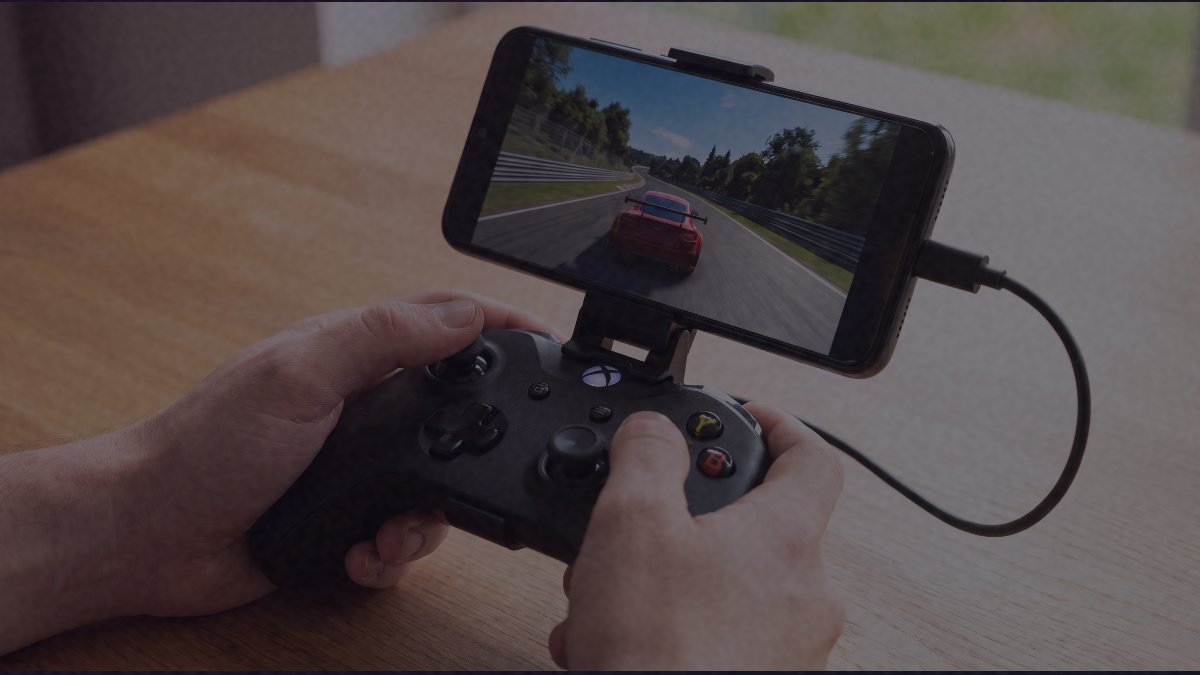
Almost any USB keyboard or mouse will work with a phone once the right cable or adapter is in place. Game controllers follow the same rule. Sony’s DualSense connects directly because it already uses a USB-C plug, while grips such as the Backbone Pro hold the handset and allow simultaneous charging when paired with a hub that supports power delivery. Without that extra hardware, the usual catch is that the phone cannot be charged and used with a controller at the same time.
Hubs are what unlock the rest. By splitting one cable into several ports, a USB-C hub lets a user run peripherals together, and models with pass-through power keep the handset topped up while accessories stay connected. In practice, nearly any hub will work with a phone.
Storage, cameras and screens
Phones can read and write to thumb drives, hard disks and solid-state drives, provided the file system is compatible. exFAT and FAT32 are recognized; NTFS, the format Windows favors, is not. Some iPhone models go further and can record 4K video at high bit rates straight onto a connected SSD, as long as the cable supports 10Gbit/s transfers and the drive reaches 220MB/s or 440MB/s depending on the resolution chosen. For content creators and journalists, that removes the reliance on built-in storage.
SD and microSD card readers behave much the same way and are often built into hubs. The phone picks up the card as soon as it detects content on it, allowing file management or direct import of photographs into the gallery. Digital cameras can also mount as ordinary storage volumes. In one test with a Sony camera, the device had to be adapted from micro USB to USB-C and kept switched on before the phone recognized it as a transfer device.
Video output is another option. Many handsets can send their display to a monitor, television or projector through a compatible cable or adapter, and in most cases the phone detects the connection and starts mirroring automatically. The result is not a full desktop replacement: the phone typically shows a vertical copy of its screen, unless the model includes a desktop mode such as Samsung’s, which can open multiple windows and resize apps much like a computer.
Audio, wired networks and sharing power
The retreat of the 3.5mm jack pushed users toward adapters built around a digital-to-analog converter, or DAC, which improves sound quality over the phone’s internal components. USB headphones and headsets also connect directly without an adapter. USB microphones follow the same pattern: in a test with a Samson model linked through a USB-C adapter, the phone recognized it immediately and offered to set it as the primary audio input.
A USB-C to Ethernet adapter turns the handset into a wired network client, with lower latency and less interference than Wi-Fi. In one trial the phone kept browsing even in airplane mode, and the system automatically gave priority to the cable over the wireless link.
Finally, the port supports reverse charging, so a phone can hand energy to wireless earbuds, smartwatches or another compatible handset. It is not intended for a full charge, since it drains the host battery quickly, but it can add minutes of runtime to an accessory when no outlet is nearby.
The practical takeaway is that the connector’s value depends on what users plug into it, and the accessories that make the most of it are often cheap adapters and hubs rather than new hardware. As phones lose physical ports and lean harder on a single opening, knowing which formats, cables and power limits apply will decide whether that port stays a charger or becomes a workstation.